Nov 25, 2025 · 6 min read
How to Use Kirkify: 5-Minute GuideStep-by-step guide with real screenshots: drop a photo, keep the satire label on, and export a neon Kirkify meme that passes platform checks.
AI satire only. Not real people.
Labeled, watermarked parody only. Use images you have rights to and keep disclosures visible.
Kirkify Blog
A transparent walkthrough of the preset stack—face swap, color treatment, satire label, and export presets—so creators know exactly what runs under the hood.
November 21, 2025 · 7 min read · By Kirkify Product
Updated November 23, 2025
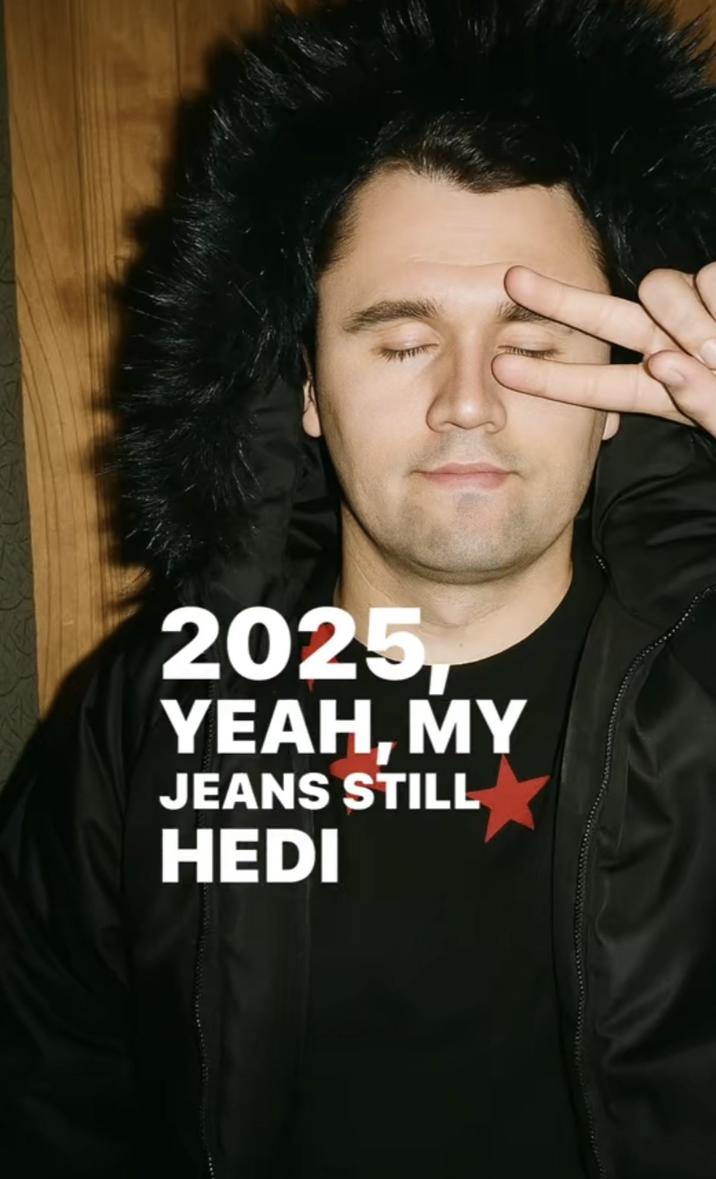
Kirkify looks loud but the pipeline is intentionally small so renders stay fast. Here is the full sequence we run today, why each step exists, and what is changing next quarter.
We create a short-lived fingerprint (device + IP-derived country) to stop bot floods. If the queue is spiking, Bronze/Silver/Gold users jump to a priority lane; free users still get a spot but see a slower ETA.
We block private individuals and minors by default. Our filter allows one face per frame for the Kirk overlay to avoid group-harassment use cases. If detection fails, we return a quick error instead of silently producing a bad swap.
Model routing today:
After the swap we run a small LUT, push cyan/magenta split toning, and add the signature Kirkify stroke. This keeps the visual language consistent so viewers recognize the format across TikTok and X.
Two overlays ship with every render: a Kirkify watermark and an “AI satire” label. Paid users can remove the watermark, but the satire label remains baked in by default to align with platform rules. Fonts and contrast are WCAG AA.
Export options chosen to prevent accidental cropping:
We mirror the final render to R2 for 24 hours so you can download it again without re-running credits. After that window we purge it unless you explicitly save the preset to your account.
Daily checks before we push a new preset:
We are experimenting with a style-only mode (no face swap) for creators who just want the neon frame and captions, plus a proof-of-human uploader that lets you attach a short statement about the parody intent. Both will stay watermark-on by default.
“Consistency beats novelty for memes. If every export looks familiar and clearly labeled, you’ll avoid most moderation headaches.” — Kirkify product notes
More Kirkify guides
Nov 25, 2025 · 6 min read
How to Use Kirkify: 5-Minute GuideStep-by-step guide with real screenshots: drop a photo, keep the satire label on, and export a neon Kirkify meme that passes platform checks.
Nov 22, 2025 · 8 min read
AI Satire Safety Checklist for Kirkify MemesA practical, policy-friendly workflow for posting Kirkified satire on TikTok, X, and Threads while keeping AI disclosures, labels, and parody context intact.
Nov 20, 2025 · 9 min read
Platform Policy Playbook for Kirkify PostsThe exact checklists we follow for TikTok, Instagram/Threads, X, and YouTube so parody posts keep disclosures and avoid impersonation flags.
Questions or takedown requests? Email support@kirkify.net and include the post URL plus a clear request. We respond within one business day.
← Back to Blog