Nov 22, 2025 · 8 min read
AI Satire Safety Checklist for Kirkify MemesA practical, policy-friendly workflow for posting Kirkified satire on TikTok, X, and Threads while keeping AI disclosures, labels, and parody context intact.
AI satire only. Not real people.
Labeled, watermarked parody only. Use images you have rights to and keep disclosures visible.
Kirkify Blog
Step-by-step guide with real screenshots: drop a photo, keep the satire label on, and export a neon Kirkify meme that passes platform checks.
November 25, 2025 · 6 min read · By Kirkify Editorial
Updated November 25, 2025
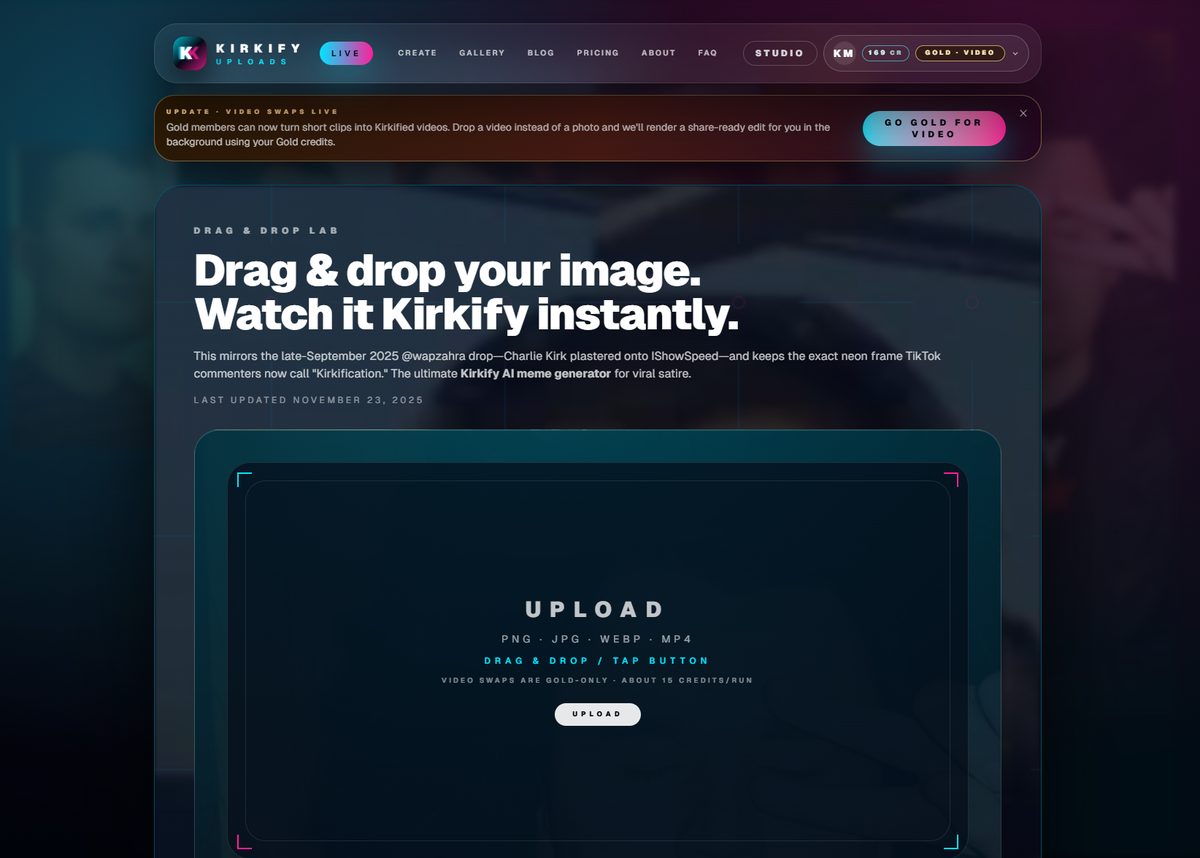
New to Kirkify? This quickstart shows the exact screens you'll see when creating a parody meme with the built-in watermark and satire label. Every step below comes from a real capture in the live app.
Visit kirkify.net/generator and drag a selfie, screenshot, or meme starter (up to 8 MB). The uploader immediately queues it with the default watermark-on setting so nothing slips through unlabeled.
Pick a preset to apply the cyan/magenta frame and caption style. The AI satire label stays visible by default; even paid runs keep at least one disclosure to stay compliant on TikTok, X, and Threads.
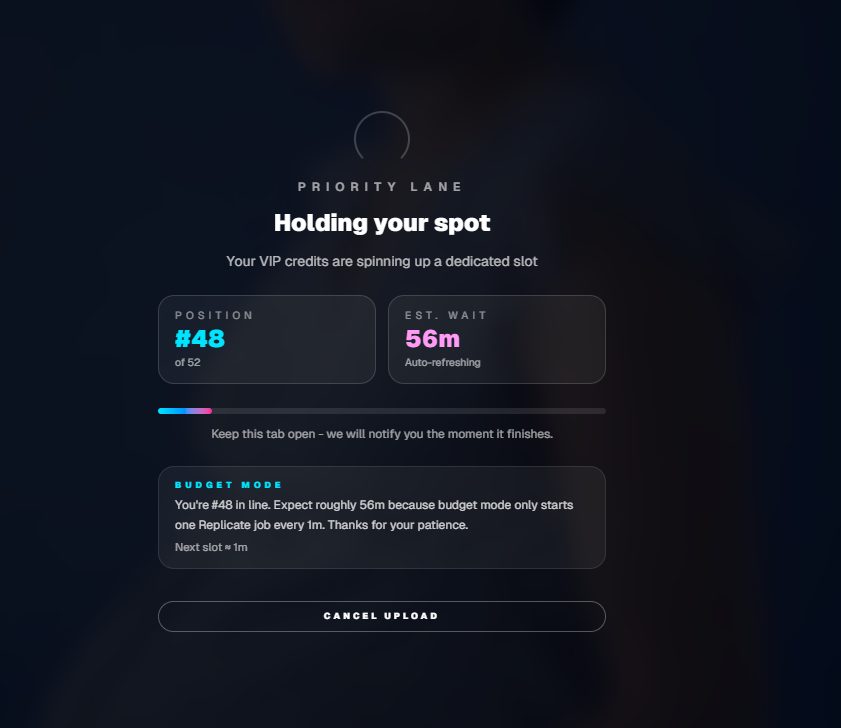
You'll see a live status bar while we run the face swap and overlay. When it finishes, the preview shows the watermark and label placement so you can confirm nothing is cropped before exporting.
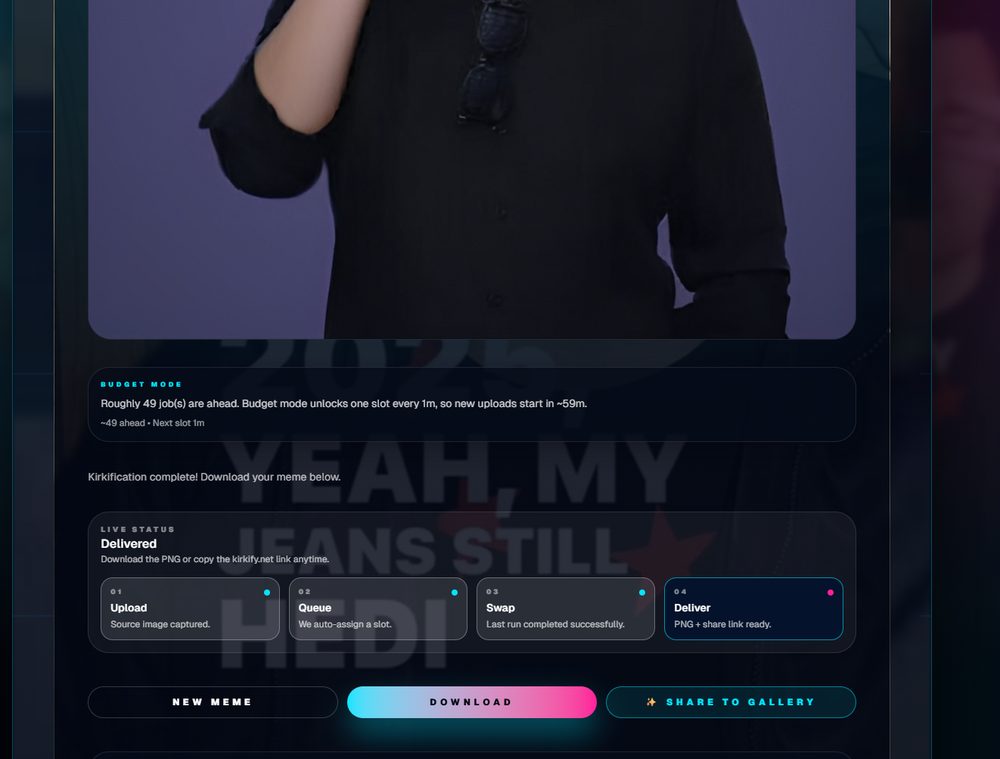
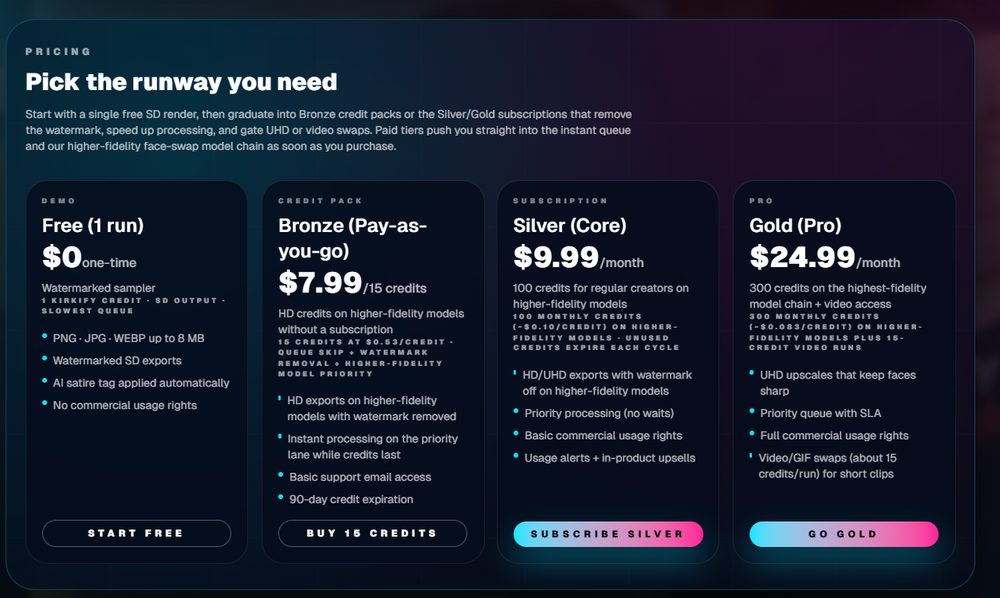
Choose 9:16, 1:1, or 16:9. Free runs keep the Kirkify watermark plus the satire tag; paid users can remove the watermark but the satire label stays baked in to avoid impersonation flags.
What we recommend before you hit Publish:
Ready to try it? Head to kirkify.net/generator, drop a file, and ship your first labeled parody in under five minutes.
More Kirkify guides
Nov 22, 2025 · 8 min read
AI Satire Safety Checklist for Kirkify MemesA practical, policy-friendly workflow for posting Kirkified satire on TikTok, X, and Threads while keeping AI disclosures, labels, and parody context intact.
Nov 21, 2025 · 7 min read
How Kirkify Builds Its Neon AI Meme LookA transparent walkthrough of the preset stack—face swap, color treatment, satire label, and export presets—so creators know exactly what runs under the hood.
Nov 20, 2025 · 9 min read
Platform Policy Playbook for Kirkify PostsThe exact checklists we follow for TikTok, Instagram/Threads, X, and YouTube so parody posts keep disclosures and avoid impersonation flags.
Questions or takedown requests? Email support@kirkify.net and include the post URL plus a clear request. We respond within one business day.
← Back to Blog